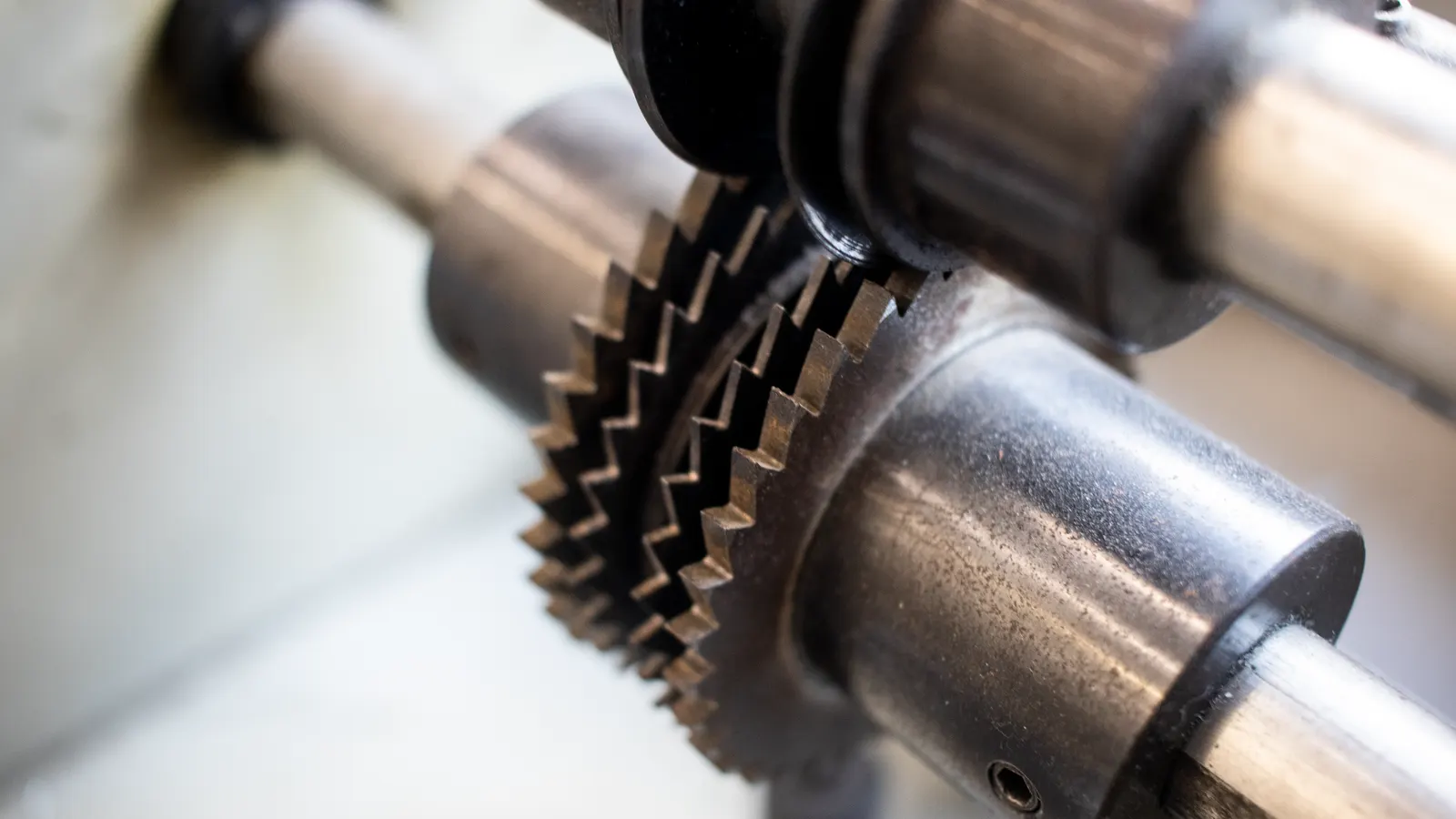
This guide provides a practical audit checklist for verifying blade alignment in slicers. It covers mechanical checks, visual inspections, and safety measures to ensure consistent cut thickness and hygienic operation.
- Verify blade alignment against the blade guide and base plate before each shift.
- Check for blade wobble or deflection using a straightedge or dial indicator.
- Inspect guard and housing gaps to prevent product contact with the moving edge.
- Confirm that the blade is seated correctly in the housing to ensure even pressure distribution.
- Document findings and adjust tension or mounting points to maintain consistent cut thickness.
Why Blade Alignment Drives Cut Quality
Inconsistent cut thickness is rarely a software issue. In most cases, it traces back to mechanical drift in the slicing assembly. When the blade edge does not sit parallel to the carriage or the base plate, the cut surface becomes uneven. This affects presentation, packaging fill weight, and yield. For high-speed lines, even minor deflection multiplies quickly, causing rejects and increased waste.
Proper blade alignment is a mechanical discipline. It requires regular verification using simple tools and a disciplined routine. The checks below form the basis of a reliable maintenance cycle. They help operators identify drift before it becomes a production problem.
Mechanical Positioning Checks
Start with the static setup. Power down the slicer and lock out the unit. Remove the blade guard if the design allows safe access. Observe the gap between the blade edge and the base plate. This gap should remain constant along the entire length of the blade.
Use a straightedge or a precision feeler gauge to check for variation. A small gap at one end and a larger gap at the other indicates a misaligned mounting point. If the blade sits too low, it may rub the base plate, causing heat buildup and accelerated wear. If it sits too high, the cut may be shallow or incomplete.
Check the blade guide position. The guide supports the blade from the back and prevents lateral movement. If the guide is loose or shifted, the blade can deflect during operation. Tighten mounting hardware to manufacturer specifications. Do not force components. If a component feels stuck, clean the threads or inspect for corrosion.
Visual Inspection of the Blade Edge
Remove the blade for a close visual inspection. Look for chips, nicks, or discoloration. A properly aligned blade should have a uniform edge profile. If one side of the edge shows more wear than the other, the blade is likely running at an angle.
Check the edge against a reference straightedge. Hold the edge parallel to the straightedge and look for light gaps. Any visible light indicates a deviation. Even a slight bend in the blade can cause the cut to vary by fractions of a millimeter over a long run.
Inspect the blade surface for burrs or debris. Accumulated product residue can alter the feel of the blade during operation. Clean the edge with a soft cloth or a dedicated blade cleaner. Avoid using abrasive materials on the edge, as they can create micro-scratches that compromise the cut quality.
Housing and Guard Integrity
The blade housing contains the moving parts and protects the operator. Check the housing for cracks or loose fasteners. A loose housing allows the blade to shift during cutting. This changes the effective alignment and can lead to uneven cuts.
Inspect the guard assembly. The guard should sit flush against the housing. Gaps between the guard and the blade create a hazard. Product can enter the gap and get caught, causing a jam or a safety incident.
Check the guard adjustment mechanism. Many slicers allow the guard to be moved closer to the blade to reduce the gap. Adjust the guard to the minimum safe distance that still allows product to pass. This reduces the chance of product contact with the blade edge.
Tension and Mounting Point Verification
Blade tension affects how the blade responds to cutting forces. Too much tension can cause the blade to deflect under load. Too little tension allows the blade to flex and vibrate. Both conditions degrade cut quality and accelerate edge wear.
Check the tensioning device. This is often a screw or a bolt that compresses the blade housing. Ensure the tension is set to the recommended level. If the tensioning hardware is worn, replace it. Worn threads can slip, leading to sudden changes in blade position.
Inspect the mounting points where the blade attaches to the drive shaft. Look for play or looseness. If the blade moves when you gently try to rock it, the mounting is compromised. Tighten the mounting bolts to specification. Use a torque wrench if available. Do not over-tighten, as this can warp the blade housing.
Cutting Performance Test
After mechanical adjustments, run a test cut on a standard product. Use a material that cuts predictably, such as a firm vegetable or a piece of meat. Observe the cut thickness. It should be uniform from start to finish.
Measure the cut thickness with a caliper. Take readings at multiple points along the cut length. If the thickness varies beyond the acceptable tolerance, the alignment is still off. Adjust the blade position and repeat the test.
Listen to the cut. A properly aligned blade cuts smoothly. A misaligned blade may make a grinding or scraping sound. This sound indicates friction between the blade and the base plate or the guide. Stop the test and re-check the alignment.
Documentation and Maintenance Logging
Record the findings of each inspection. Note the date, the operator, the blade serial number, and any adjustments made. This log helps track wear patterns and identify recurring issues.
If a blade requires frequent realignment, investigate the root cause. It may be a worn bearing, a loose housing, or a product that is too hard for the slicer. Addressing the root cause prevents repeat problems.
Store the blade in a clean, dry environment when not in use. Protect the edge from impacts. A well-maintained blade stays aligned longer and delivers consistent cuts for a longer service life.
Red Flags to Watch For
| Symptom | Possible Cause | Action |
|---|---|---|
| Uneven cut thickness | Blade misalignment or worn guide | Check blade gap and guide position |
| Grinding sound during cut | Blade rubs base plate or guide | Adjust blade height and clean contact points |
| Blade wobble or vibration | Loose mounting or excessive tension | Check mounting bolts and tension settings |
| Burrs on blade edge | Impact damage or improper sharpening | Inspect edge and replace if damaged |
| Guard gap too wide | Loose guard fasteners | Tighten guard and adjust to minimum safe gap |
Final Verification Steps
Before returning the slicer to service, perform a final safety check. Ensure all guards are in place and secured. Verify that the blade is not exposed. Run the unit at low speed to confirm smooth operation.
Check that the emergency stop function works correctly. A malfunctioning stop button is a serious safety risk. Test the control panel for any error codes. Clear any alerts before starting production.
Assign a specific person to perform this inspection. Consistency in the routine ensures that the same checks are performed every time. Train new operators on the checklist and the red flags. A well-trained team can catch alignment issues before they affect production.
Blade alignment is a small task with a large impact. It protects the product, the equipment, and the people operating the line. Keep the routine short, consistent, and documented.
Frequently asked questions
How often should I check blade alignment?
Check alignment at the start of each shift and after any major maintenance. If you notice inconsistent cuts, perform a full alignment check immediately.
What tools are needed to verify blade alignment?
A straightedge, a feeler gauge, and a torque wrench are standard tools. A dial indicator is useful for precise measurement but not always necessary for routine checks.
Can I adjust the blade alignment myself?
Yes, if you follow the manufacturer's instructions and have the right tools. If the housing or mounting points are damaged, contact a qualified technician.
How do I know if the blade is worn?
Look for chips, nicks, or discoloration along the edge. If the blade cuts unevenly despite proper alignment, it may be worn beyond repair.
Does blade alignment affect hygienic cutting?
Yes. A misaligned blade can create gaps where product residue accumulates. This promotes bacterial growth and makes cleaning difficult. Proper alignment supports a cleaner cut and easier sanitation.